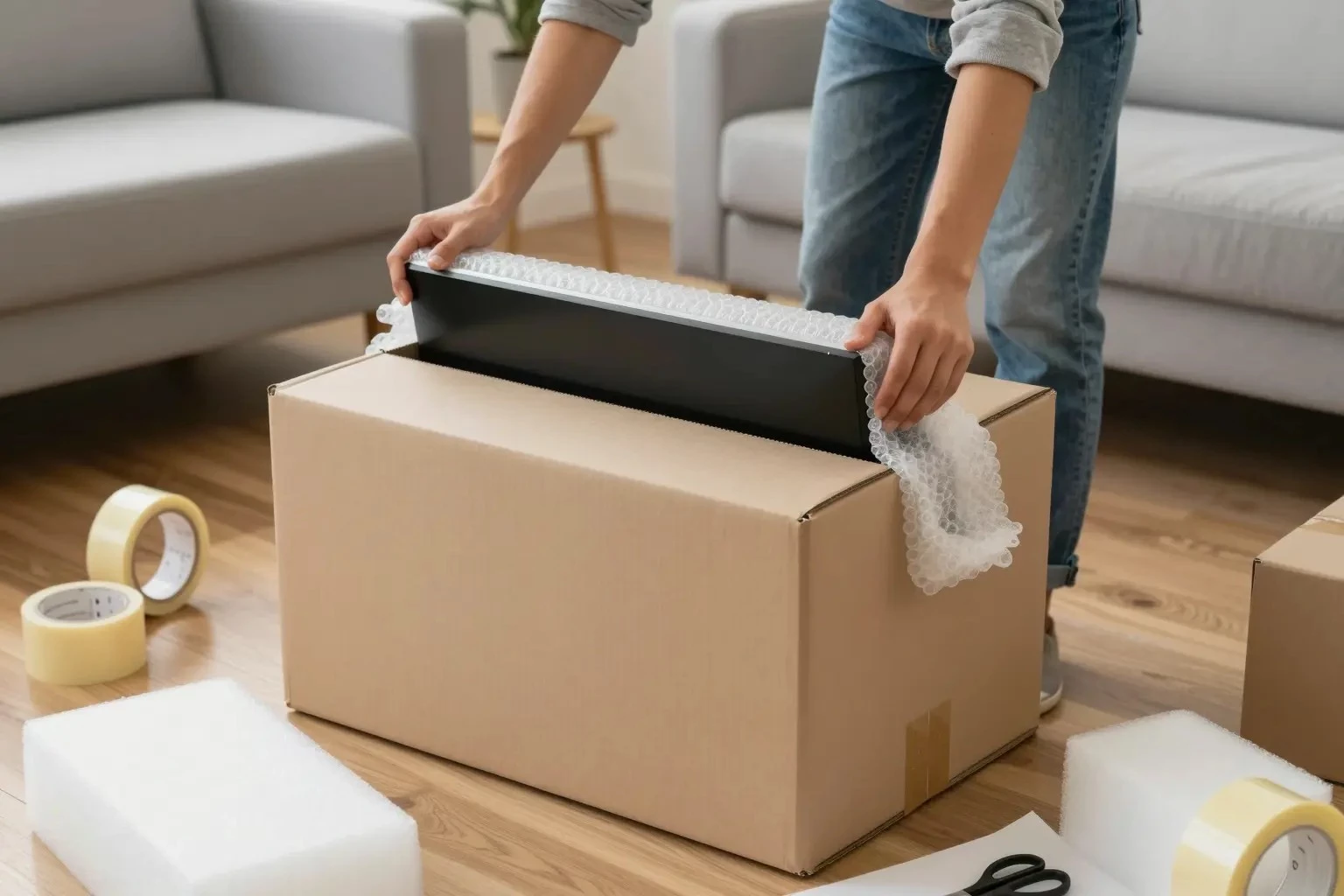
Packing monitors for a move requires careful attention to detail to ensure their safe transportation. Monitors are fragile items that need proper screen protection and secure packaging to prevent damage. This guide will provide you with essential moving tips, including the use of packing materials such as bubble wrap, cardboard boxes, and cushioning materials, to ensure your monitors arrive at their destination in perfect condition;
Gathering Packing Materials
Before you begin packing your monitors, it’s important to gather all the necessary packing supplies. This includes:
- Bubble Wrap: Essential for cushioning and protecting the screen from impacts.
- Cardboard Boxes: Strong and durable boxes that fit your monitor size.
- Packing Tape: To securely seal the boxes.
- Cushioning Material: Such as packing peanuts or foam inserts to fill empty spaces.
- Protective Covers: Soft covers or cloths to prevent scratches on the screen.
- Monitor Stand: If detachable, pack separately for added safety.
Preparing the Monitor
Proper preparation of the monitor is crucial before packing:
- Disconnect Cables: Carefully unplug all cables and use cable management techniques to keep them organized. Coiling them and securing with twist ties can prevent tangling.
- Remove the Monitor Stand: If possible, detach the monitor stand to make packing easier and safer.
Packing the Monitor
Follow these steps to pack your monitor securely:
- Wrap the Monitor: Begin by placing a protective cover over the screen. Then, wrap the entire monitor in bubble wrap, ensuring the screen is well-protected.
- Prepare the Box: Line the bottom of the cardboard box with cushioning material to create a soft base.
- Place the Monitor in the Box: Gently place the wrapped monitor into the box, screen side up. Ensure there is enough space around the monitor for additional cushioning.
- Add Extra Cushioning: Fill any gaps in the box with more cushioning material to prevent movement during transit.
- Seal the Box: Use packing tape to securely seal all open edges of the box, reinforcing the seams for added strength.
Transportation Safety
Ensuring your monitor’s safety during transportation is vital:
- Label the Box: Clearly mark the box as “Fragile” to alert handlers to take extra care.
- Secure Positioning: Place the box in a secure position in the moving vehicle, avoiding stacking heavy items on top.
- Monitor Size Consideration: Larger monitors may require additional support to prevent tipping over during transit.
Electronics Care and Screen Damage Prevention
Taking care of your electronics during a move is crucial for avoiding screen damage and ensuring the longevity of your devices:
- Protective Covers: Always use protective covers to shield screens from dust and scratches.
- Monitor Stand Safety: Ensure the monitor stand is packed separately and securely to avoid any pressure that could damage the screen.
- Avoid Extreme Temperatures: Electronics are sensitive to extreme temperatures; avoid leaving them in hot or cold environments for prolonged periods.
Packing monitors for moving requires careful planning and the right materials to ensure screen protection and transportation safety. By following these guidelines and using appropriate packing supplies, you can effectively prevent damage and ensure your monitors arrive safely at their new location.